

Follow your payments and balance
The overview, the transactions list, the balance and the reports: how a payment becomes money you can use.
Every page here shows the environment you are in. Sandbox shows test data; live shows real transactions.
From payment to balance
Section titled “From payment to balance”- A payment is created and the payer pays.
- The money lands in your Pending balance, net of fees.
- After Baiyar matches the provider’s settlement evidence, the funds move to Available. Timing depends on the method and provider; simulated sandbox settlements usually appear a few minutes after payment.
- Held shows funds that have been reserved and cannot be used.
Moving the available balance to your bank account (withdrawal) is not available in the dashboard yet.
Dashboard
Section titled “Dashboard”The first page shows your Settled balance, Pending and Total balance, with charts for payment volume and count, top methods and busiest projects. Filter by project and period to narrow the data. Charts can compare a period with the previous period, the same days last year, or no period. Analytics gives more detail on the same metrics.
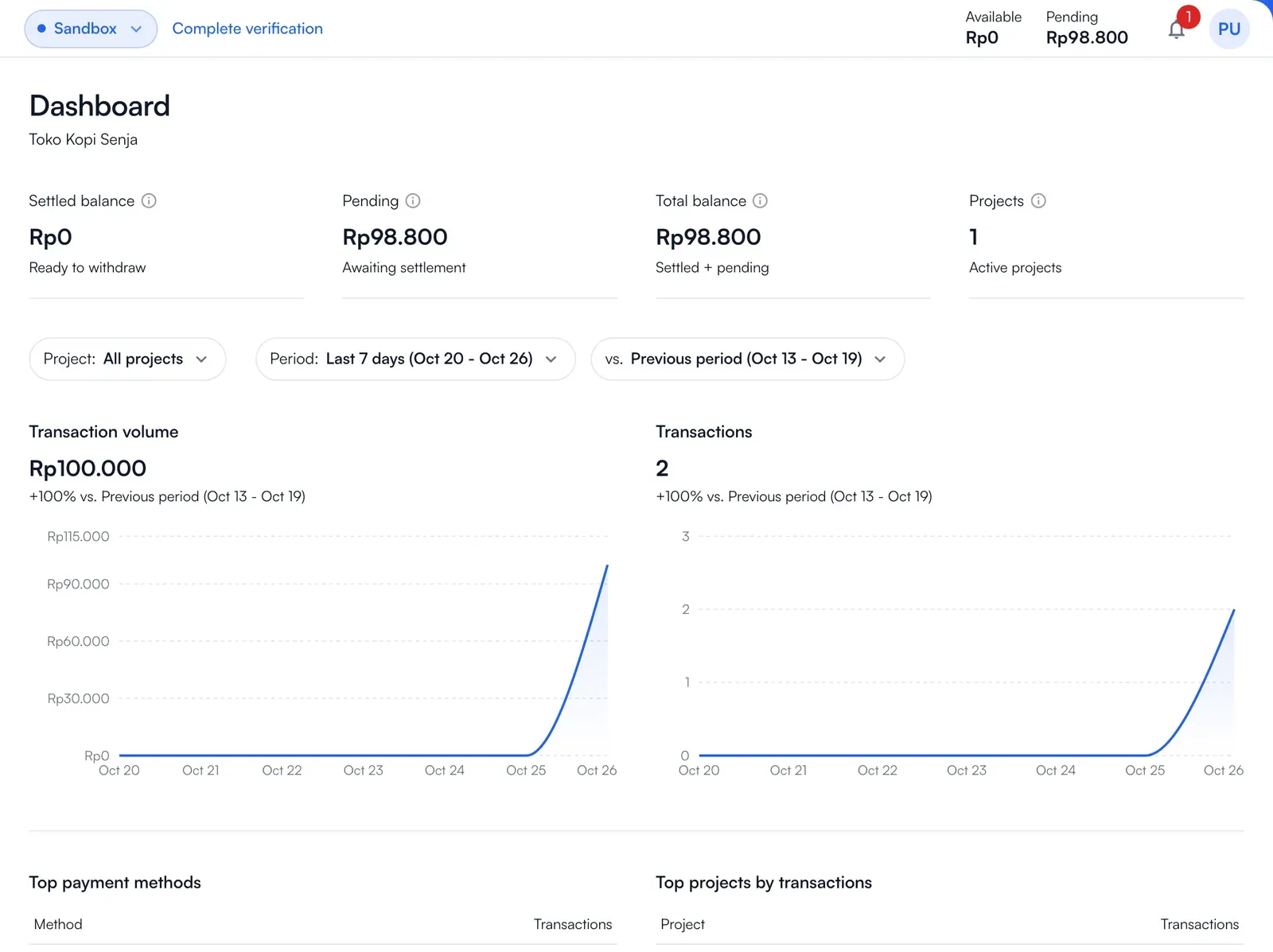
Transactions
Section titled “Transactions”Transactions lists the payments of every project in the environment. Filter by project, status and method. Each row shows the method, the amount, the fee, who pays the fee (the payer or you), the balance credited and the status. Open a payment to see its history, including the payer’s attempts.
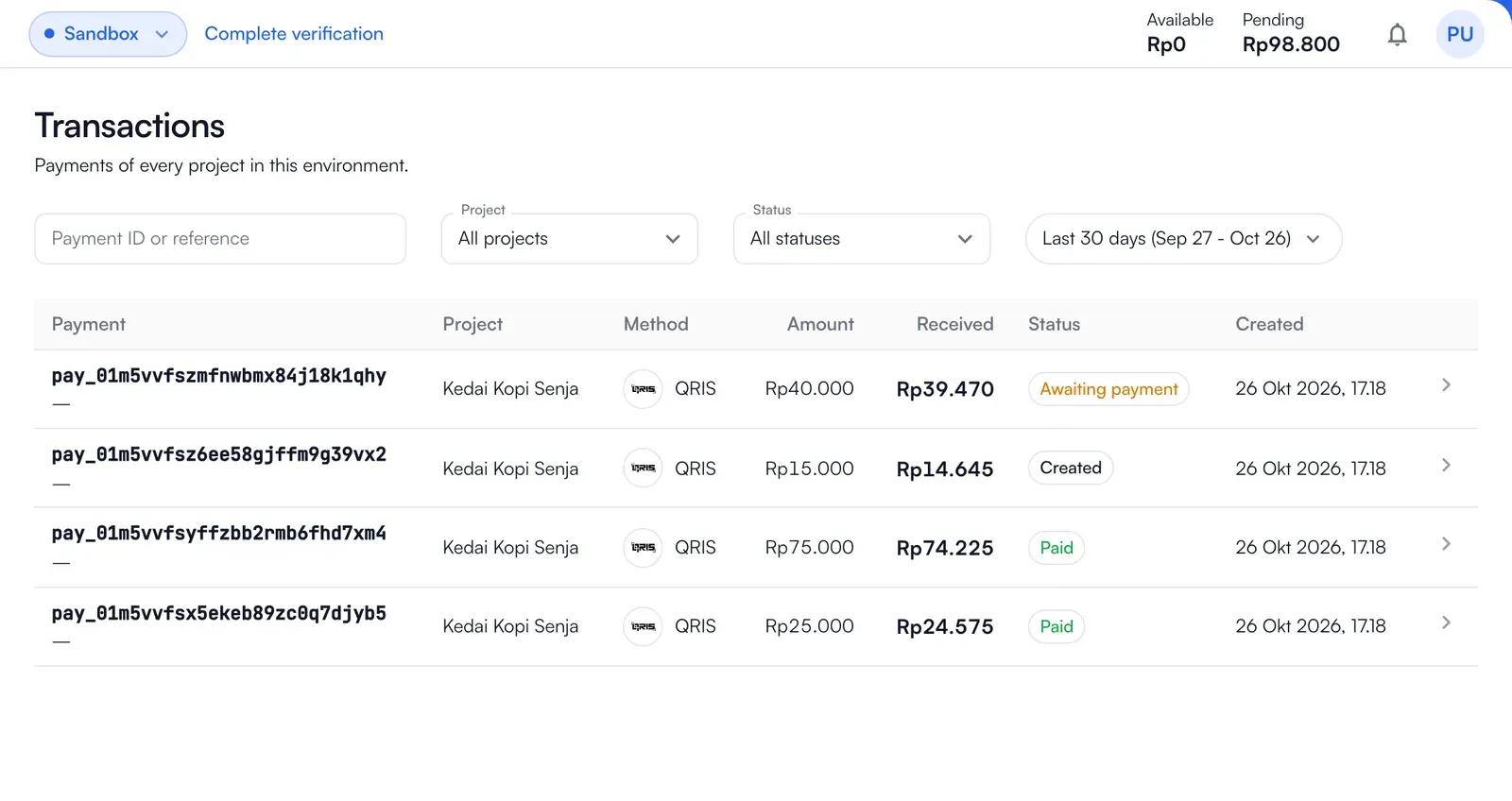
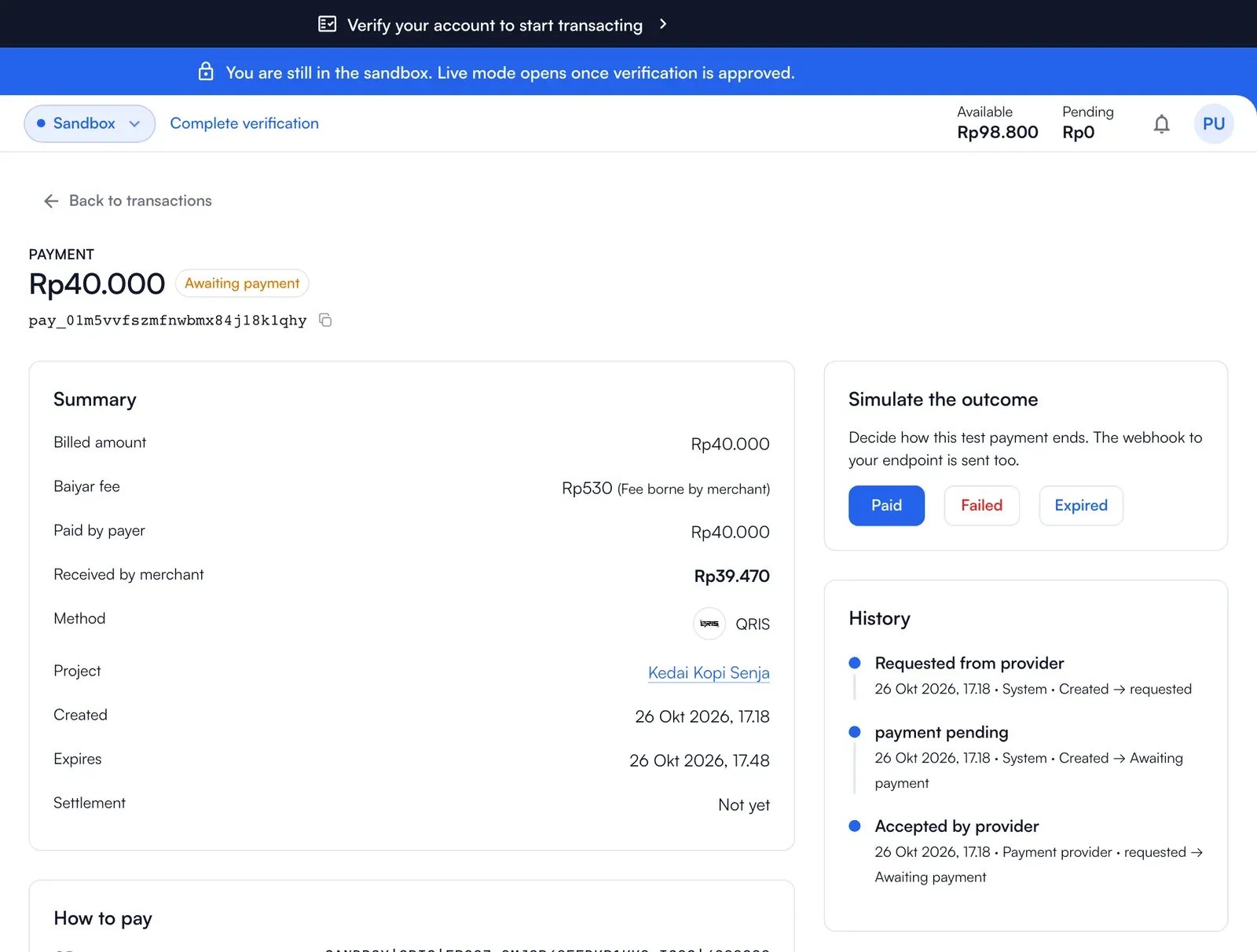
The same payments are in the API: List payments takes the same filters (method, link, reference, days), Get a payment timeline gives its history, List payment attempts the methods the payer tried, and Cancel a payment stops one nobody has paid.
Balance
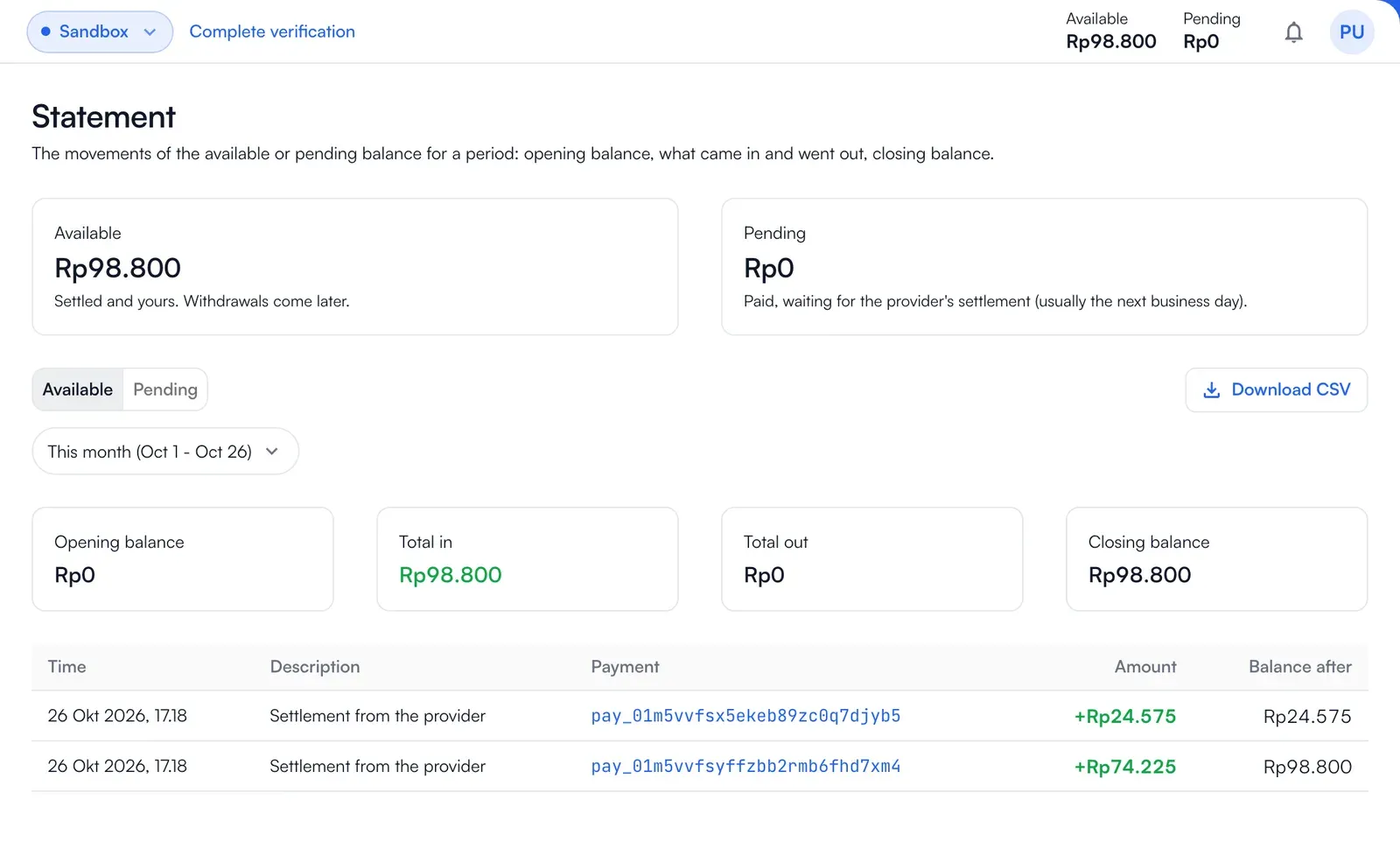
Section titled “Balance”Balance has the Available, Pending and Held amounts and what moved each of them: payments received, settlements from the provider, and settlements that were reversed. Through the API: Get balance.
Reports
Section titled “Reports”Use these reports to review transactions, settlements and balance movements:
- Transactions: the payments of every project in this environment.
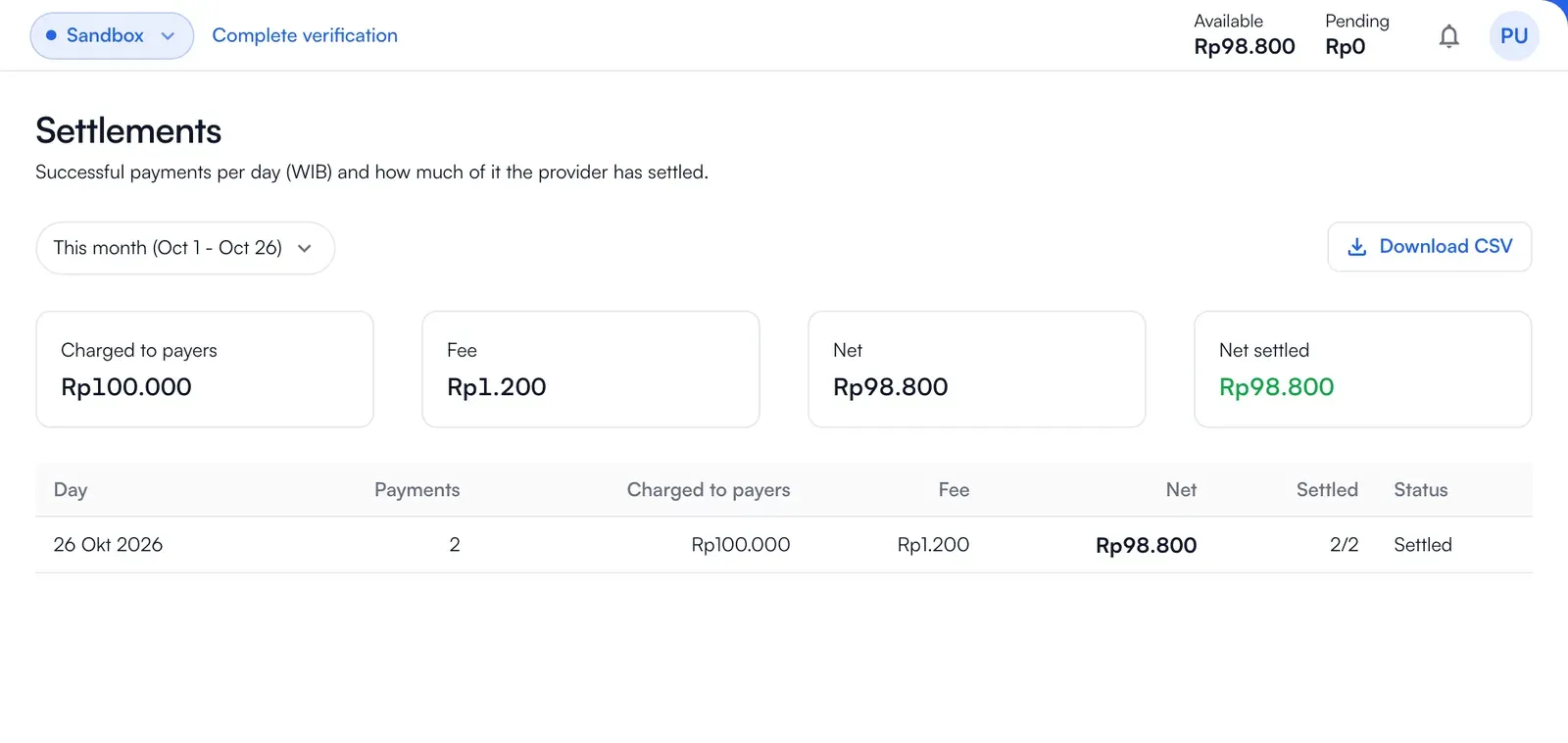
- Settlements: successful payments per day (WIB) and how much of it the provider has settled.
- Reconciliation: every successful payment against the provider’s settlement: reconciled, waiting, late, being checked by Baiyar, or held.
- Statement: the movements of the available or pending balance for a period, with the opening and closing balance.
- General ledger: every posting on the pending, available and reserved balances.
The reports are in the API too, under Reports: the statement, ledger, reconciliation and settlements need the balances:read permission and a merchant key, and the analytics need payments:read.
Notifications
Section titled “Notifications”Notifications shows updates from Baiyar and payment service status. They are grouped under Payment, System, Product and Account. Needs Action lists verification, bank account or project tasks to complete before going live. Choose notification types and language in Settings → Notifications.