

Create an account
Create a Baiyar account, verify your email, and start testing payments in the sandbox.
You can sign up as an individual and use the sandbox before submitting account verification.
Sign up
Section titled “Sign up”-
Open the dashboard and choose Sign up now on the sign-in page.
-
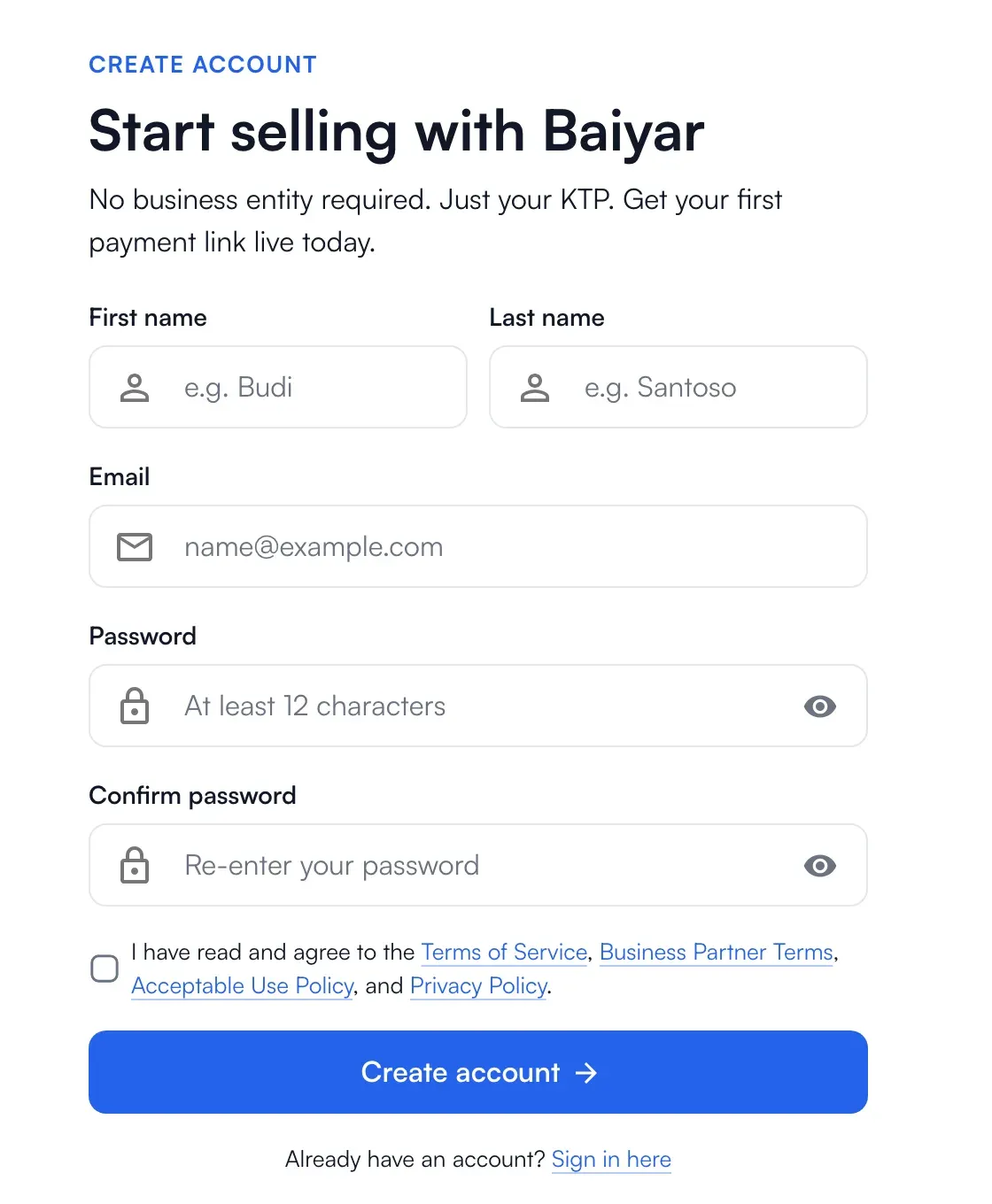
Fill in your first name, last name and email.
-
Choose a password. It needs at least 12 characters, with a lowercase letter, an uppercase letter and a number, and you type it twice.
-
Complete the verification check (a short human check) and accept the Terms of Service and the other policies listed below the form.
-
Choose Create account.
Verify your email
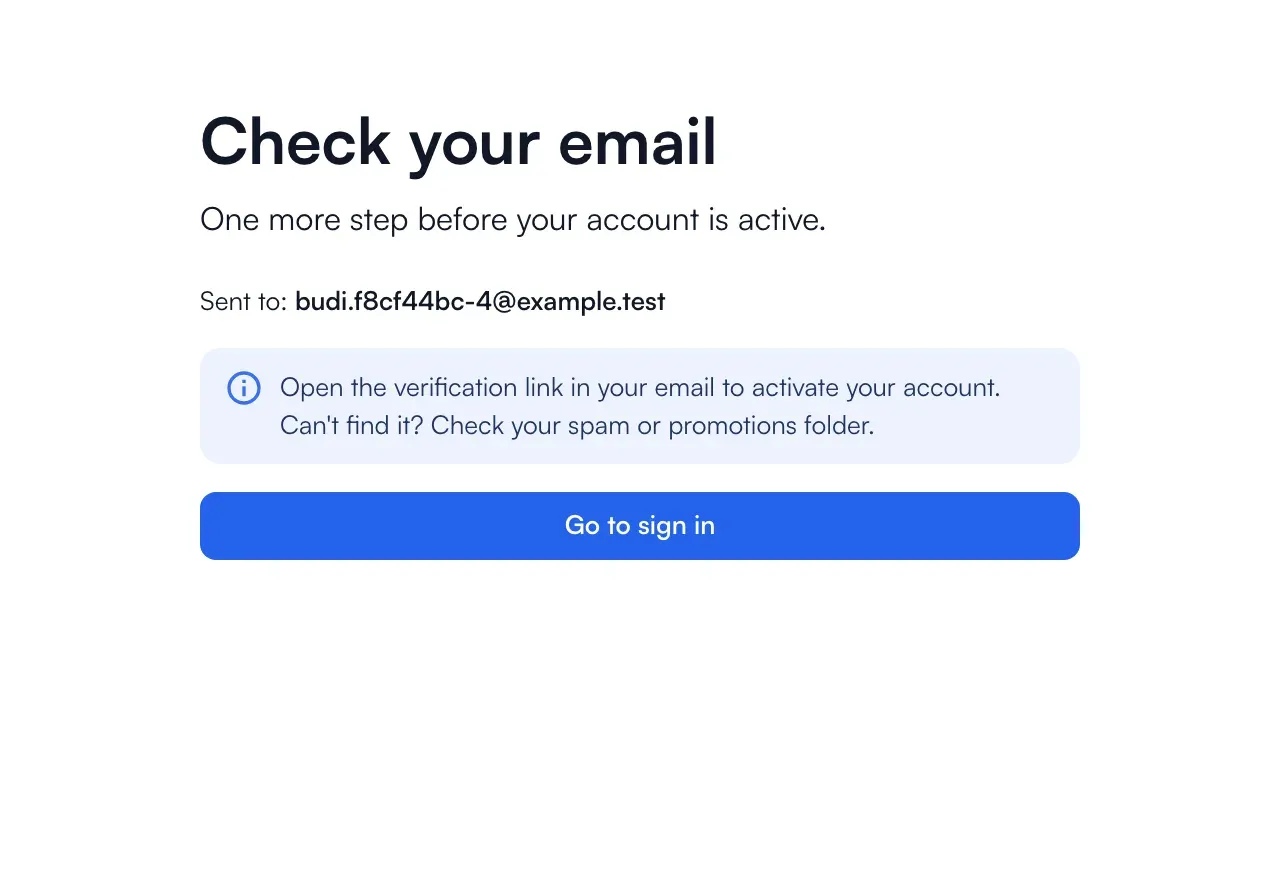
Section titled “Verify your email”We send you a link. Open it to activate the account. If you cannot find the email, check your spam or promotions folder. A link that is invalid or expired shows Verification failed; use Need help? on that page.
After the email is verified, choose Get started.

Name your business
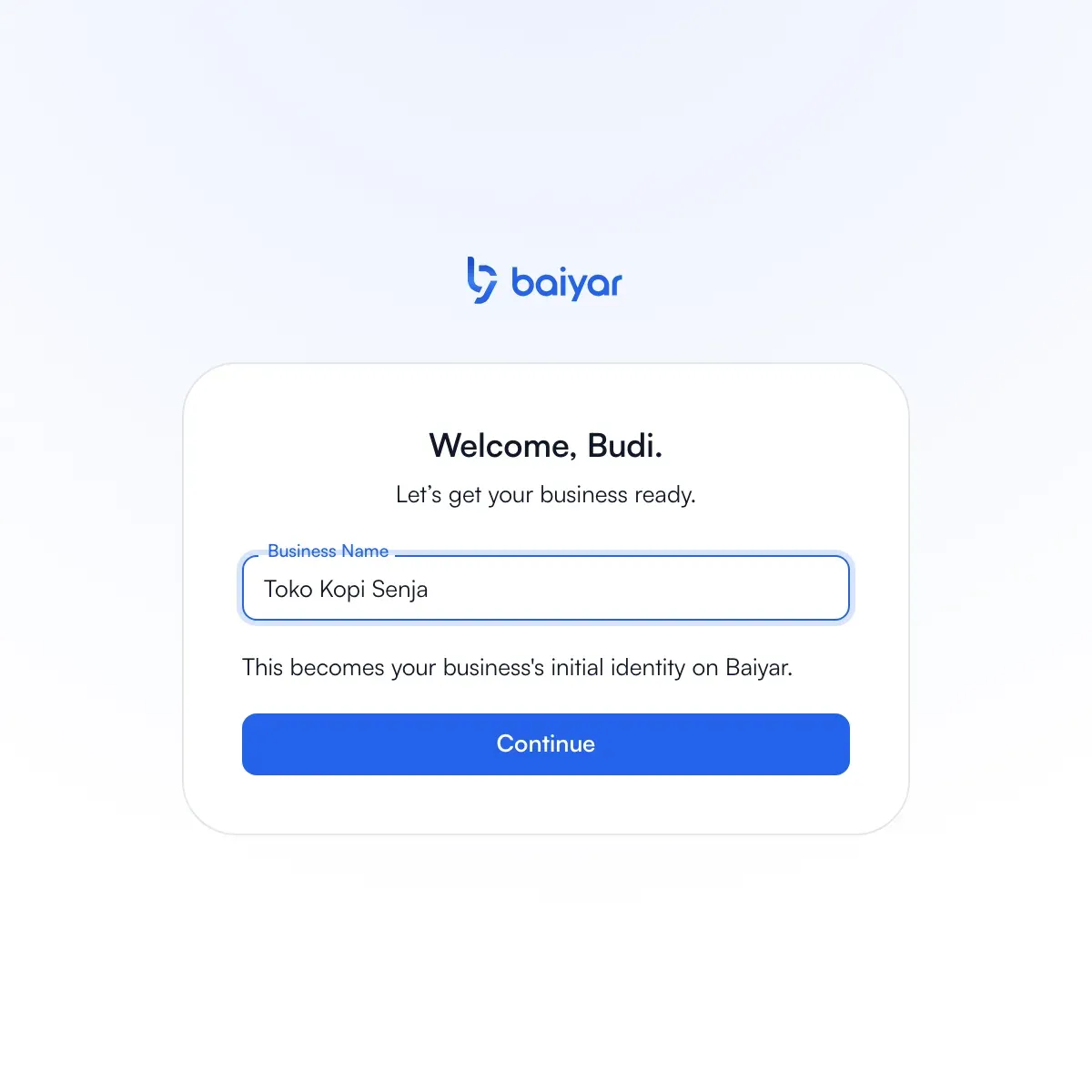
Section titled “Name your business”The first screen asks for one thing only: the business name. It becomes the first identity of your business on Baiyar, and you can change the business details later in Settings.
Choose Skip for now on the verification step if you want to start in sandbox. Sandbox payments do not need verification. Create a project to make them. To accept live payments, complete account verification.