
Login
Sign in
Section titled “Sign in”Go to app.baiyar.com/login and enter your email, password, and the “Verify you are human” check.
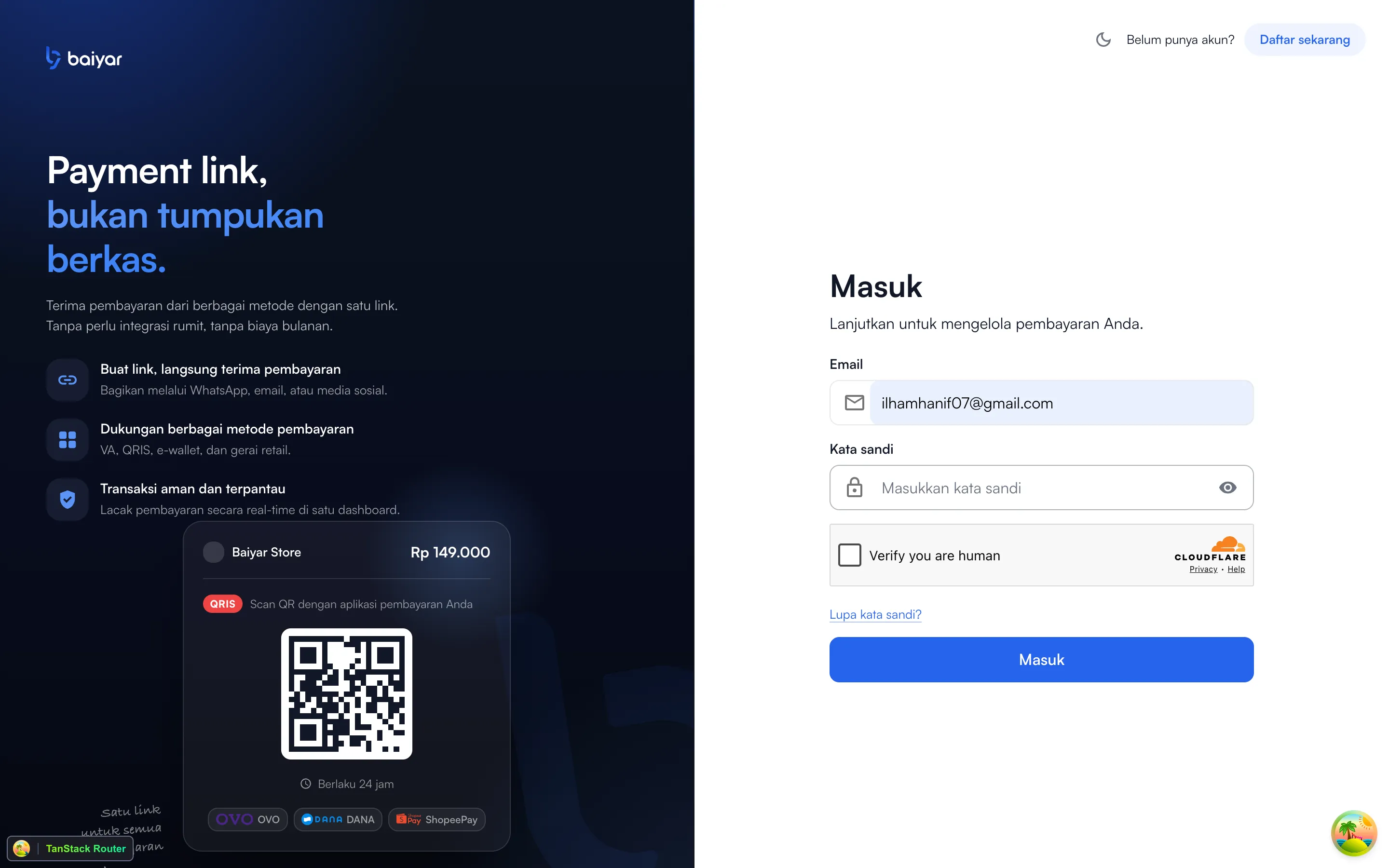
If you’re already signed in, visiting this page just redirects you straight back to the dashboard.
If you have two-factor authentication on
Section titled “If you have two-factor authentication on”After email and password, you’re asked for the 6-digit code from your authenticator app instead of being signed in immediately — see Set Up Two-Factor Authentication if you haven’t turned this on yet.
If your email isn’t verified yet
Section titled “If your email isn’t verified yet”Logging in with an account that hasn’t completed email verification doesn’t just fail — it takes you back to the “check your email” screen instead, since that’s what you actually need to do next.
Forgot your password?
Section titled “Forgot your password?”Click Forgot password? on the login page and enter your email. If it matches an account, Baiyar emails a reset link, valid for 1 hour. Opening it lets you set a new password directly — no need to remember the old one, unlike changing your password from Settings.