
Settlement
Overview
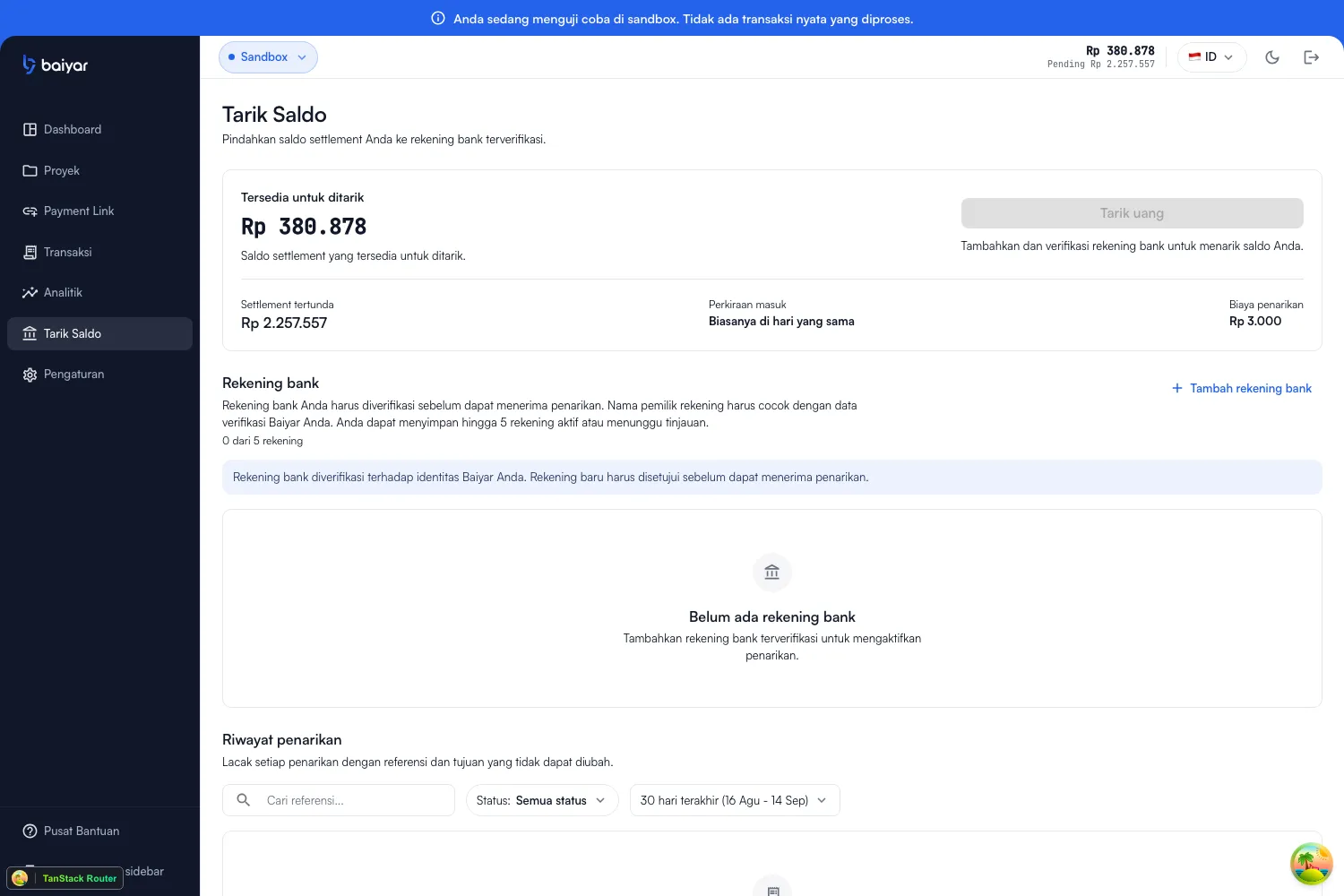
Section titled “Overview”Withdraw (in the sidebar) is where your settlement balance becomes a bank transfer. It’s also the only place balance-related concepts — pending vs. available, bank accounts, and withdrawal history — come together in one page.
Pending vs. available
Section titled “Pending vs. available”A successful payment doesn’t become withdrawable immediately. It goes through two states:
- Pending settlement — credited to your balance right after the payment succeeds, but not yet withdrawable.
- Available (labeled “Available to withdraw”) — released automatically on a T+3 business day schedule from the payment’s paid time, respecting weekends and Indonesian public holidays. A background process checks for balance that has crossed its release time roughly every minute, so it becomes available shortly after the T+3 mark passes, not at midnight or on a fixed batch schedule.
Both figures are also visible from the top bar on every dashboard page, and as stat cards on Overview. See a specific payment’s own release timeline on its transaction detail page.
Bank accounts
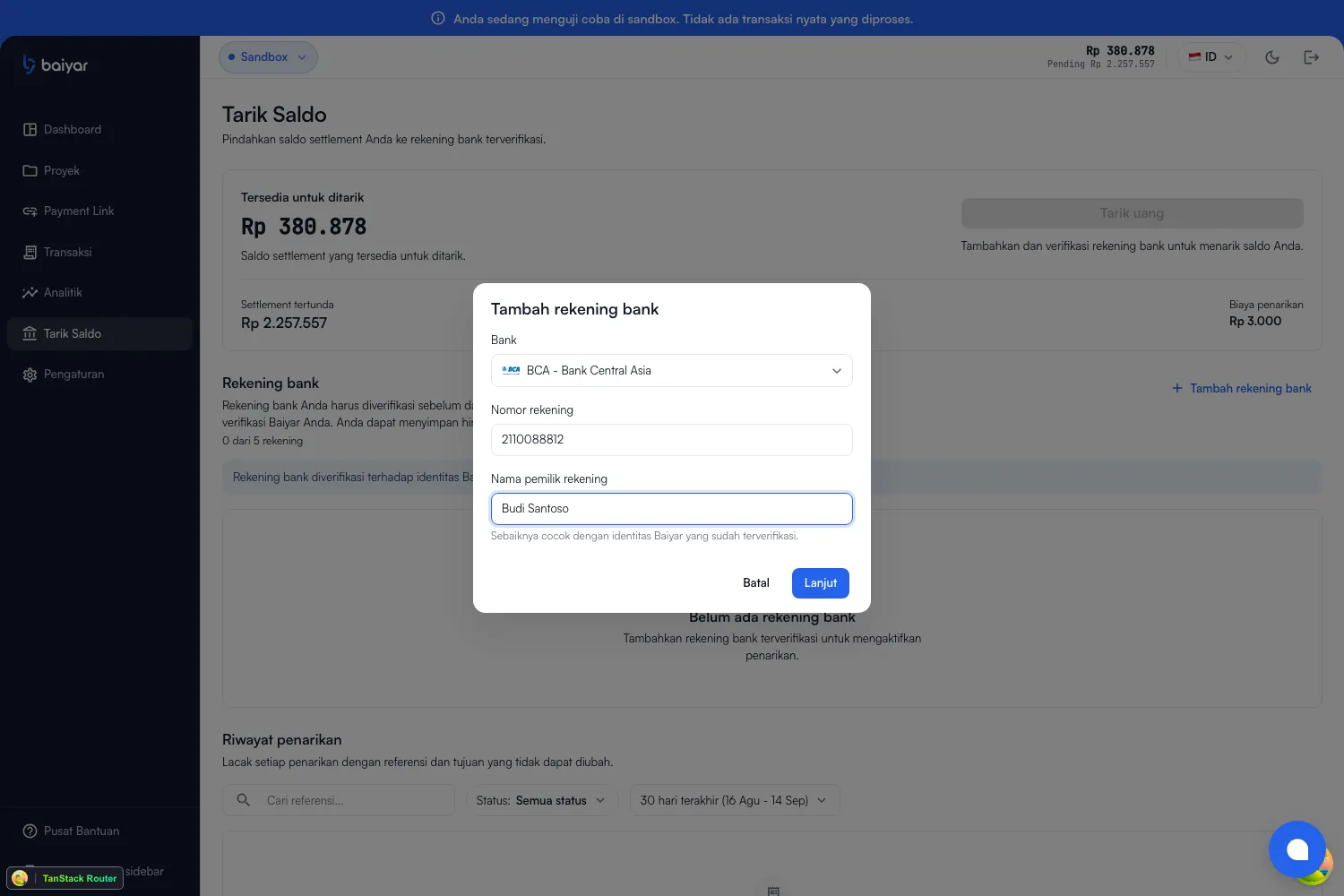
Section titled “Bank accounts”Withdrawals only go to a verified bank account. Add one from Bank accounts → Add bank account:
| Field | Notes |
|---|---|
| Bank | One of the banks Baiyar supports for payout |
| Account number | The destination account number |
| Account holder name | Should match your verified Baiyar identity — a mismatch is the most common reason a new account gets rejected |
A bank account then moves through its own status:
| Status | Meaning |
|---|---|
| Pending | Verification hasn’t completed yet |
| Under review | New accounts start here while reviewed |
| Verified | Approved — can receive withdrawals |
| Rejected | Could not be verified (commonly a name mismatch) |
| Suspended | Temporarily unavailable |
You can keep up to 5 active or pending accounts, and set any verified one as primary — the default destination for new withdrawals.
Requesting a withdrawal
Section titled “Requesting a withdrawal”Once you have a verified bank account with available balance, Withdraw money opens a review step: amount, destination, account holder, the flat withdrawal fee, and what you’ll actually receive after the fee — confirm to submit.
Withdrawal history
Section titled “Withdrawal history”Every withdrawal is tracked below the bank accounts section, searchable by reference and filterable by status and date range:
| Status | Meaning |
|---|---|
| Created | Just submitted |
| Pending review | Awaiting manual review before it’s sent to your bank |
| Processing | Sent to your bank, in flight |
| Completed | Arrived at the destination account |
| Failed | Could not be completed — the amount is returned to your available balance |
| Cancelled | Cancelled before processing |
| Reversed | Completed, then reversed |
Next steps
Section titled “Next steps”- Overview for where these balance figures also appear.
- Transactions for the payments behind your balance.