
Account Settings
Overview
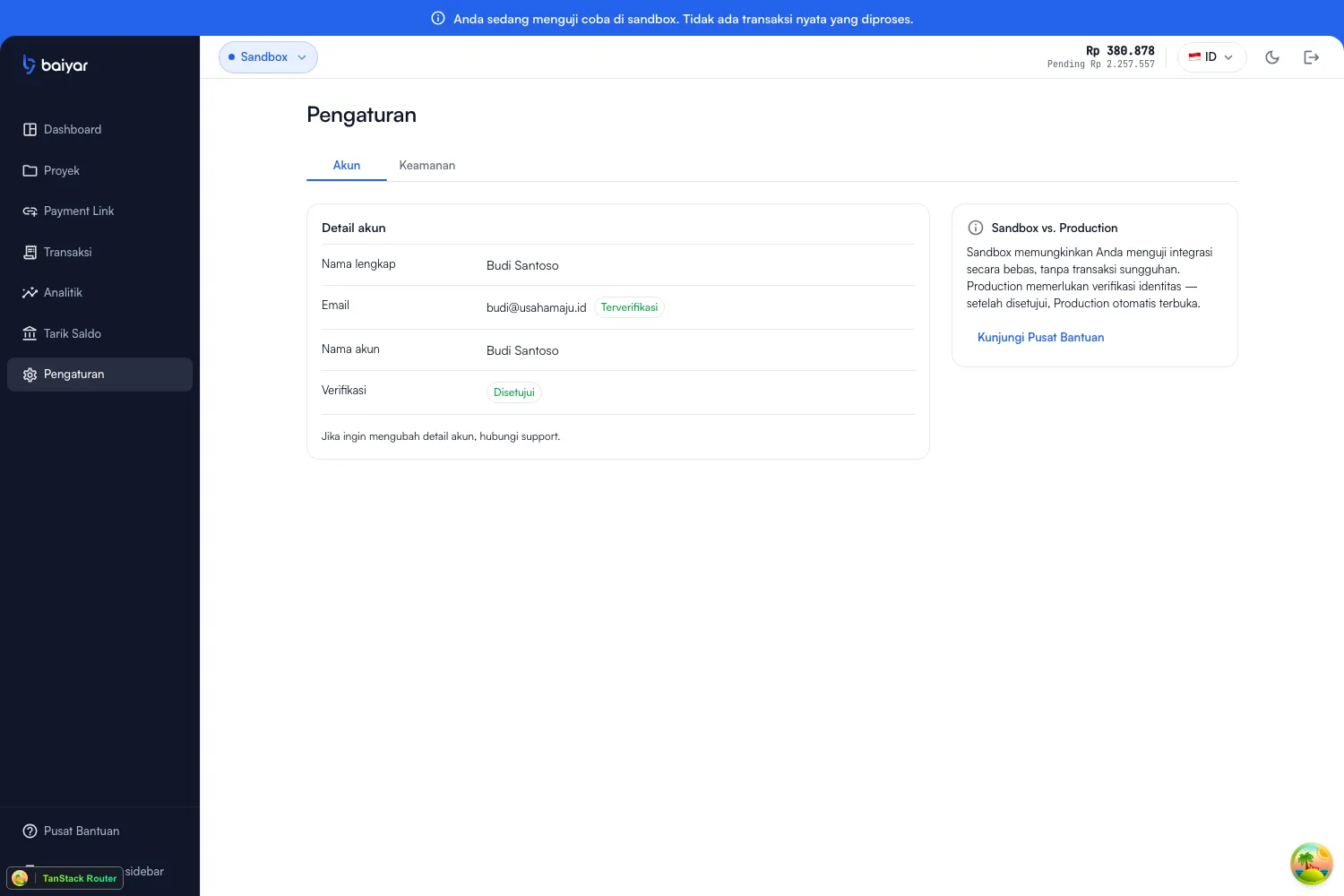
Section titled “Overview”Settings in the dashboard has two tabs: Account and Security.
Account tab
Section titled “Account tab”Read-only: your full name, your email (with a verified badge), your merchant account name, and your KYC (verification) status. There’s no profile-edit form here yet — this tab is for reference, not editing.
Security tab
Section titled “Security tab”This is where you actually change things:
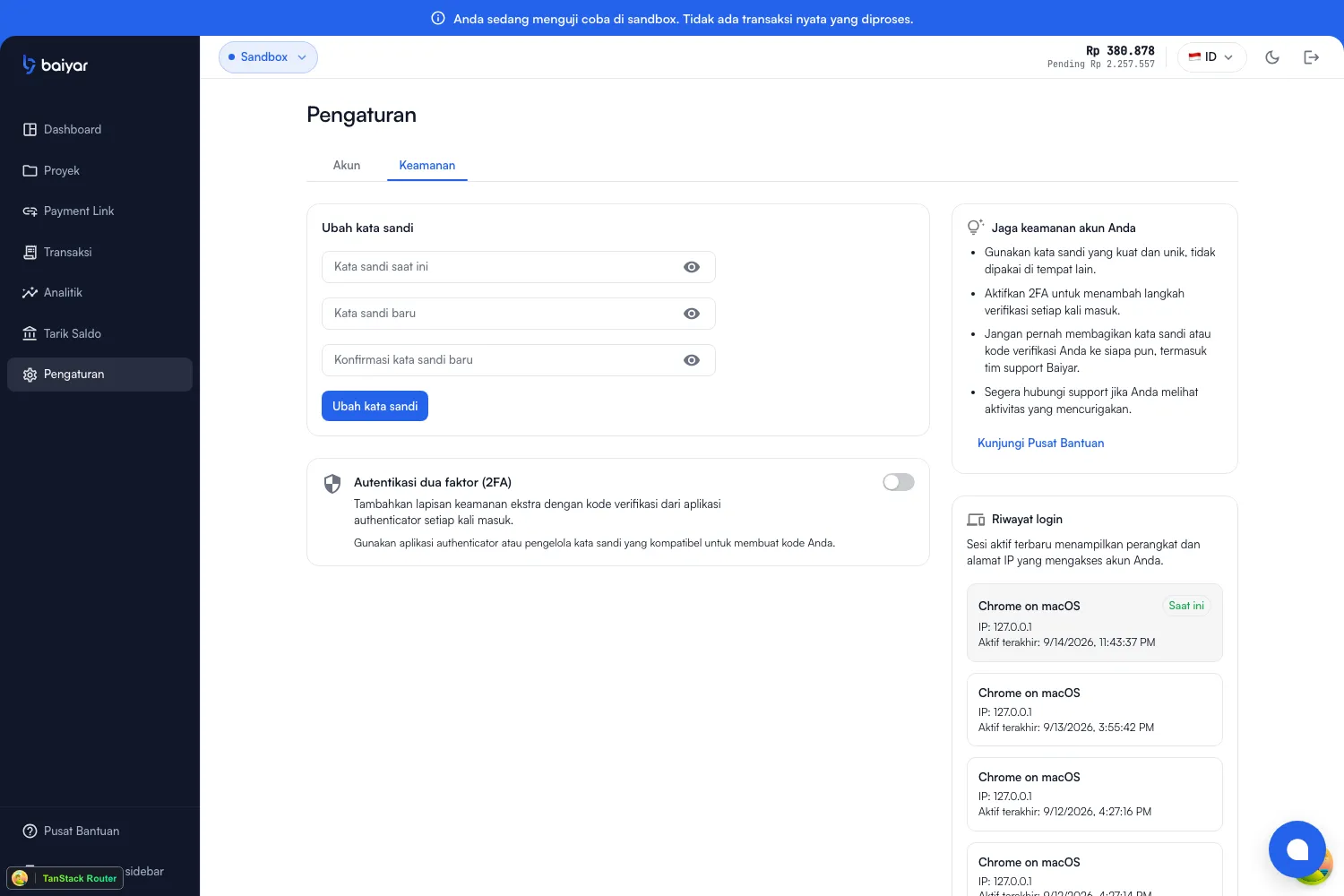
- Password — see Change Password for the full step-by-step.
- Two-factor authentication (2FA) — a single toggle; see Set Up Two-Factor Authentication.
- Login history — every session that’s accessed your account, by device, IP address, and last-active time, with the session you’re currently using marked. It’s read-only — there’s no button here to sign a specific session out remotely.
What’s not here
Section titled “What’s not here”There’s no notification-preferences screen in the dashboard yet, and no way to revoke an individual login session (changing your password does sign out every other session at once — see Change Password). For your project’s own profile (name, category, logo, website), see Business Profile — that’s a per-project setting, not an account-wide one.